Seamless Instagram carousel maker
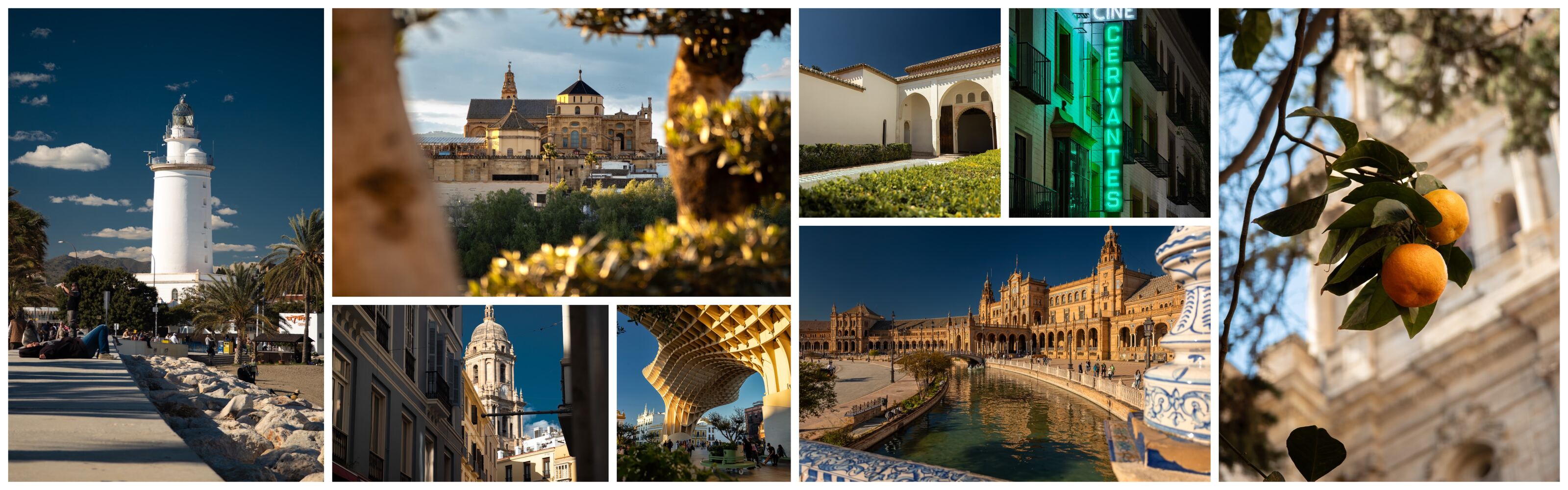
Add your photos and msnry lays them into one wide grid, then slices it into 4:5 or 3:4 pages. Post the pages as a carousel and they swipe as a single strip. It's free, it runs in your browser, and your photos never leave your device.
How it works
-
Add your photos
Pick them from your phone, or drag them into the browser window on a computer. The free version takes 4 to 13 photos across up to five pages; Pro takes up to 16 photos across up to ten.
-
Let msnry lay them out
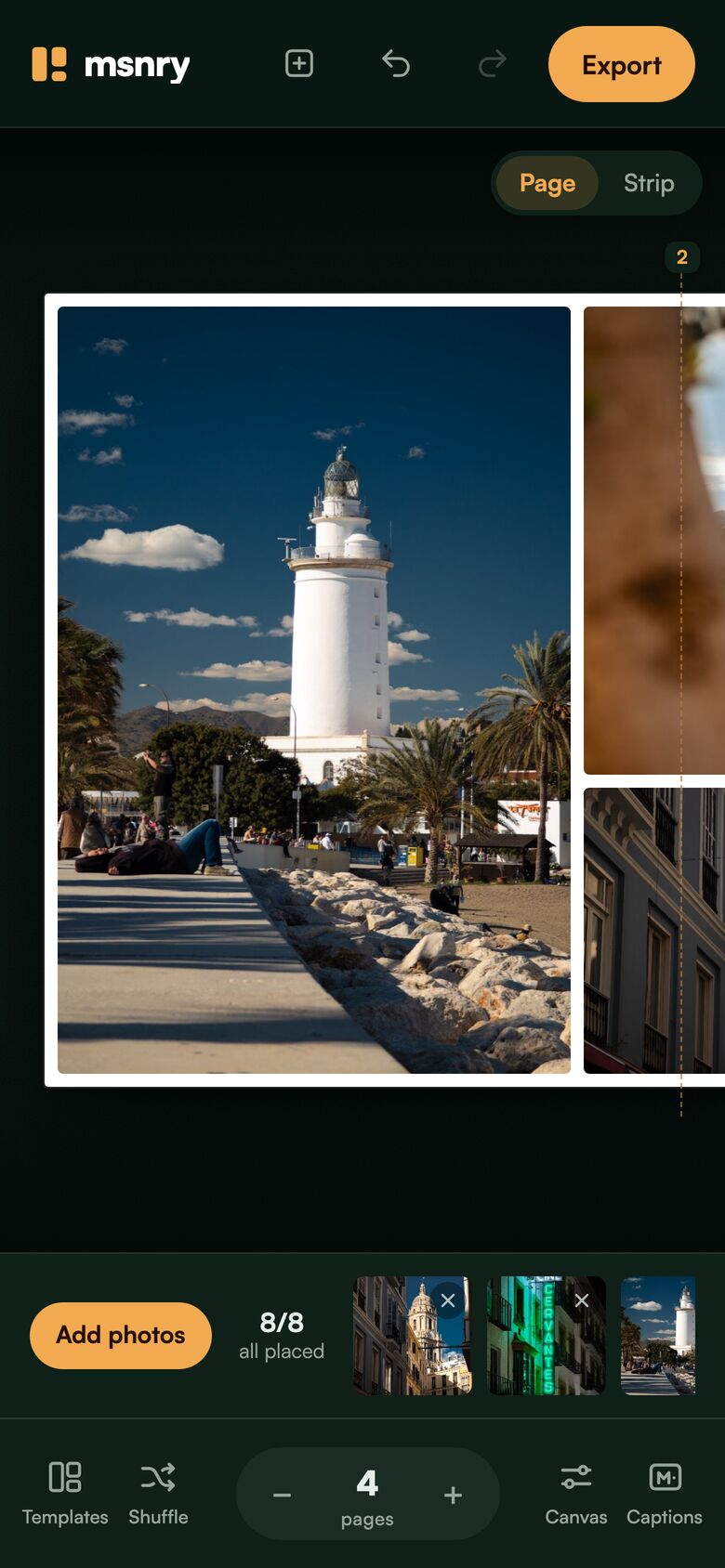
Every photo is fitted into a grid with no holes and one even gap. If the first arrangement isn't right, press Shuffle for another, choose from 346 layouts, or hold a photo and drag it somewhere else. Pinch a photo to change its crop.
-
Export and post
Each page saves as its own JPEG, numbered and time-stamped so Instagram's picker lists them in the right order. Select them all as one post and you're done.
What makes a carousel seamless
A normal carousel is a stack of separate pictures. A seamless one is a single wide image cut into pages, so a photo can start on one page and finish on the next.
The cuts only disappear if the spacing is exact. msnry uses one gap everywhere, between photos and around the outside, and it keeps that gap the same across every page join. What you see in the editor is what exports, to the pixel.
It also cuts page one so the edge of the next photo shows. That sliver tells people there's more to see.
Instagram carousel sizes
| Page shape | Instagram shows | msnry free | msnry Pro |
|---|---|---|---|
| 4:5 portrait | 1080 × 1350 | 1080 × 1350 | 1638 × 2048 |
| 3:4 portrait | 1080 × 1440 | 1080 × 1440 | 1536 × 2048 |
Sizes are in pixels. Instagram shows photos up to 1080 pixels wide, in shapes from 1.91:1 to 3:4, and sizes down anything larger. One post holds up to 20 photos or videos.
Sources: Instagram Help Centre, image resolution and posts with multiple photos, read on 12 November 2026.
If you already have a panorama
msnry isn't a splitter for one finished panorama. It starts from separate photos, builds the wide image for you and slices it in the same step.
If you already have a single long image and only need it cut into pages, a plain image splitter will do that job.
Free and Pro
The free version has every layout up to five pages, and exports at 1080 pixels wide with a small "made with msnry.app" tag on the last page.
Pro is a one-off £9.99, plus VAT where it applies. It goes up to ten pages and 16 photos, removes the tag, exports at full resolution, adds rounded corners and an optional tag of your own, and works on three devices. There's no subscription.
Questions
- Do I need an account?
- No. There's no sign-up and nothing is uploaded. The layout and the export both happen on your own device.
- Does it work on a computer?
- Yes. msnry is a web app, so it runs in a desktop browser as well as on a phone, and it can be installed to the home screen.
- How many photos can an Instagram carousel hold?
- Instagram allows up to 20 photos or videos in one post. msnry makes carousels of up to five pages and 13 photos on the free version, and up to ten pages and 16 photos with Pro.
- Will the pages stay in the right order?
- Yes. Each exported page is numbered and carries its own timestamp, so Instagram's photo picker lists them in order on iPhone and Android.
Try it with your own photos
It opens straight into the editor. Add four or more photos and the first layout appears.